Basics
Home is the entrance to your subscriptions, notifications and user administration.
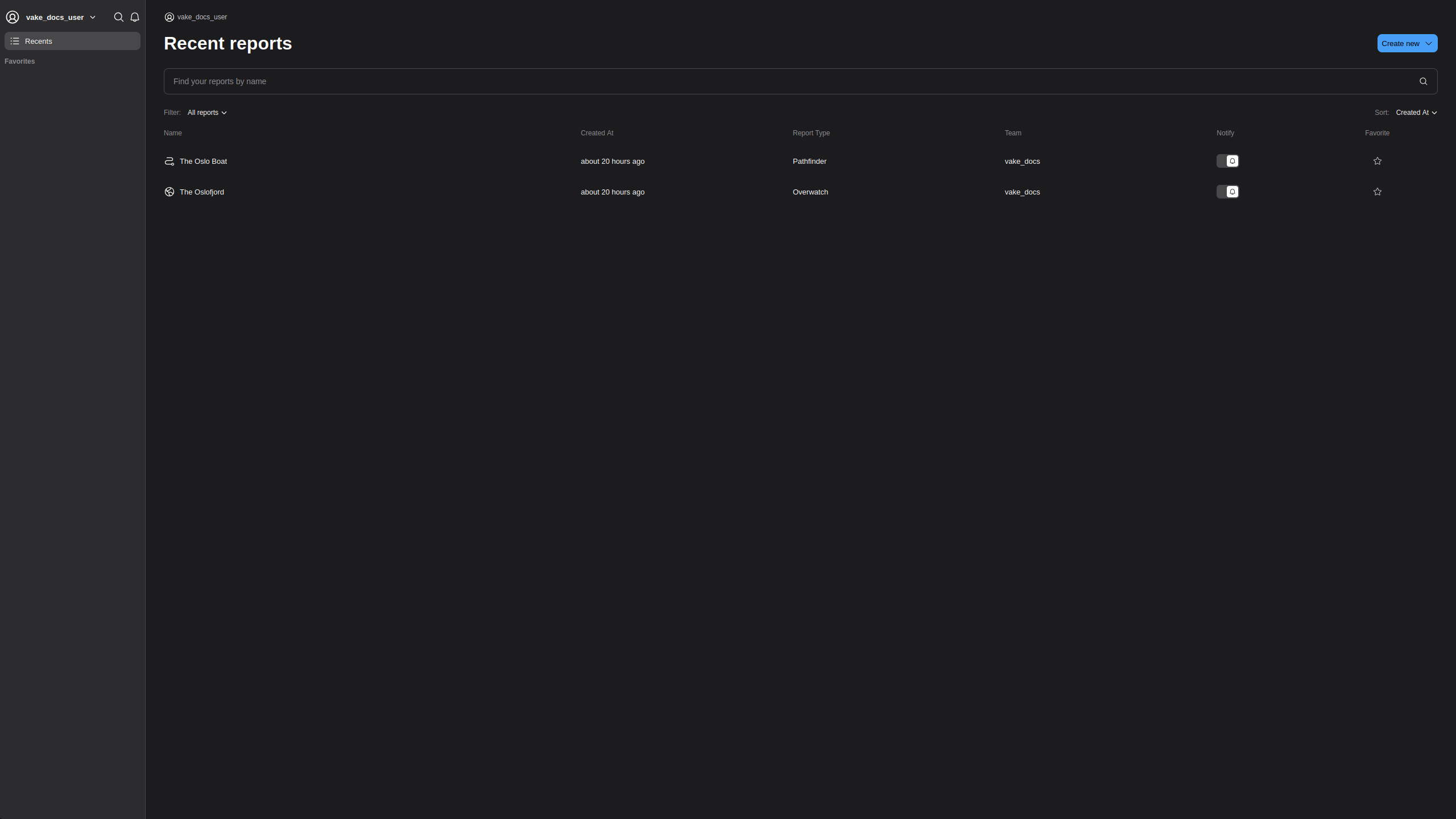
Sidebar
The left-most panel on the homepage is the sidebar. Here, you have easy access to favorited subscriptions, our vessel search, the notification center, and our support/feedback channels.
Favorites
All favorited subscriptions will show up here.
Search
Activate Search by pressing the magnifying glass in the sidebar. Search gives you access to Vake's vessel database, where we have daily updates on key information from all the world's ships. Currently, you can find vessel information by searching for either mmsi, imo or ship name.
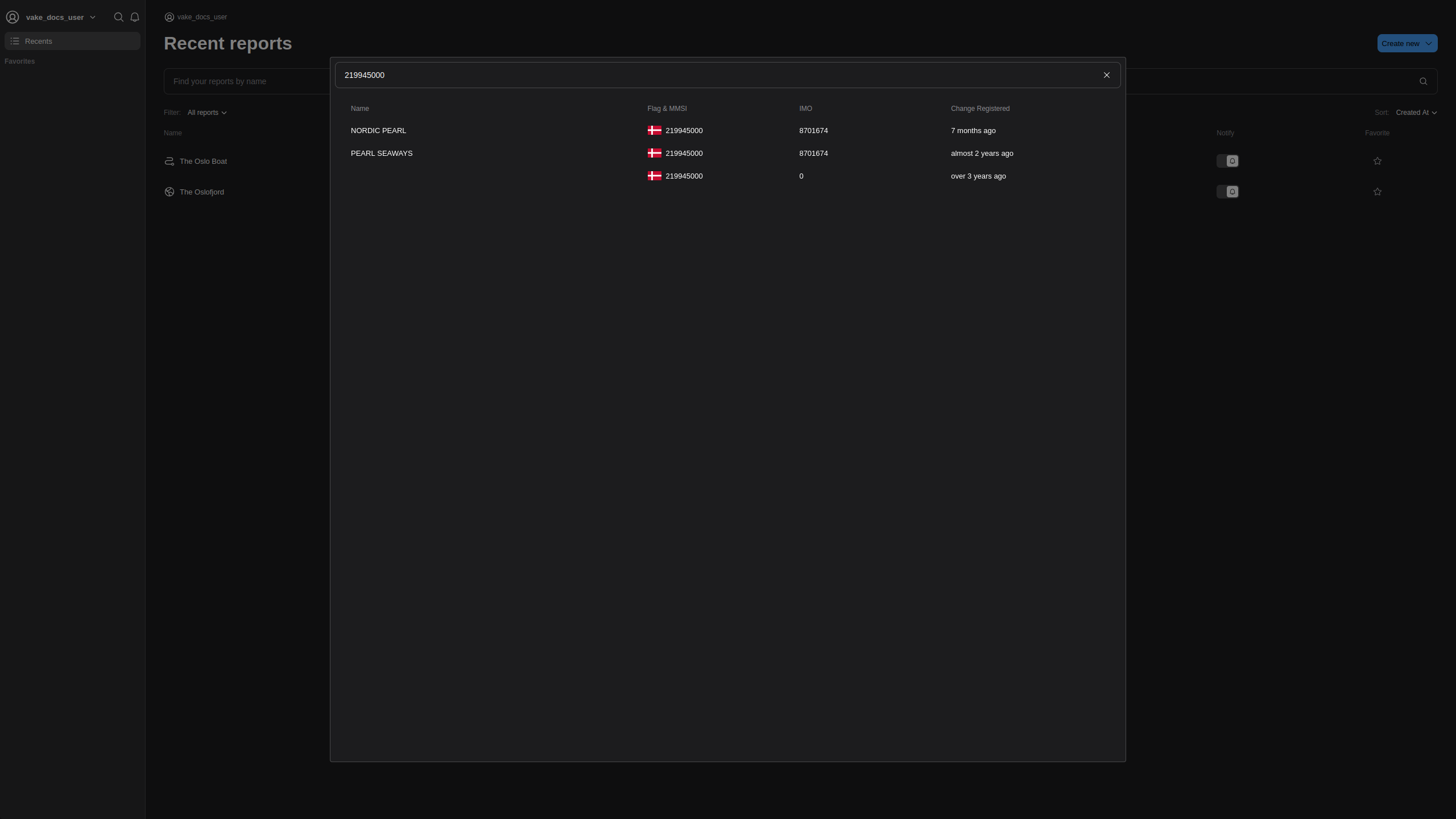
When selecting a vessel from the search results, it is also possible to see existing subscriptions tied to that vessel, or create a new.
Recent Subscriptions
The Recent subscriptions is the right-most panel of the home page. Here you can view all previously generated subscriptions by your team, search for a specific subscription, or create a new one.
View Subscriptions
All created subscriptions are shown in a list. We display Name/Title, when it is created, what kind of report it is, which team owns it, wether we notify about events detected in the subscriptions and wether it is favorited or not.
More information about notifications are covered later in the documentation.
The default ordering is by created at, but you can also change the ordering to showing the favorited subscriptions first.
Clicking on a subscription in the overview will open a new window and navigate you to the actual subscription.
Create Subscriptions
In the top-right corner, press 'create new' and select either overwatch or pathfinder to create a new subscription.